Here you’ll find some materials you can use to prepare for your Screen assessment or your live Interview.
CoderPad Interview is an interview platform that allows companies to assess your skills in person.
CoderPad Screen is a testing platform that allows companies to assess your development skills and knowledge using asynchronous take-home projects.
⚠️Supported devices
CoderPad is optimized for desktop browsers, and we recommend doing your interview or test on a full-size device.
We do not support phone-size devices and strongly recommend against doing your interview on a phone.
CoderPad will run on a tablet, but some features are likely to be limited or unavailable. We strongly recommend using a tablet with an attached keyboard and mouse
⚠️Browser plugins
Some plugins may interfere with your CoderPad experience. We try our best to work around these when we learn of issues with a specific plugin, but if you experience surprising behavior in an interview or on a test, we recommend: trying an incognito window, a different browser, or disabling all your plugins.
⚠️Dvorak
Please note that we do NOT support Dvorak keyboards.
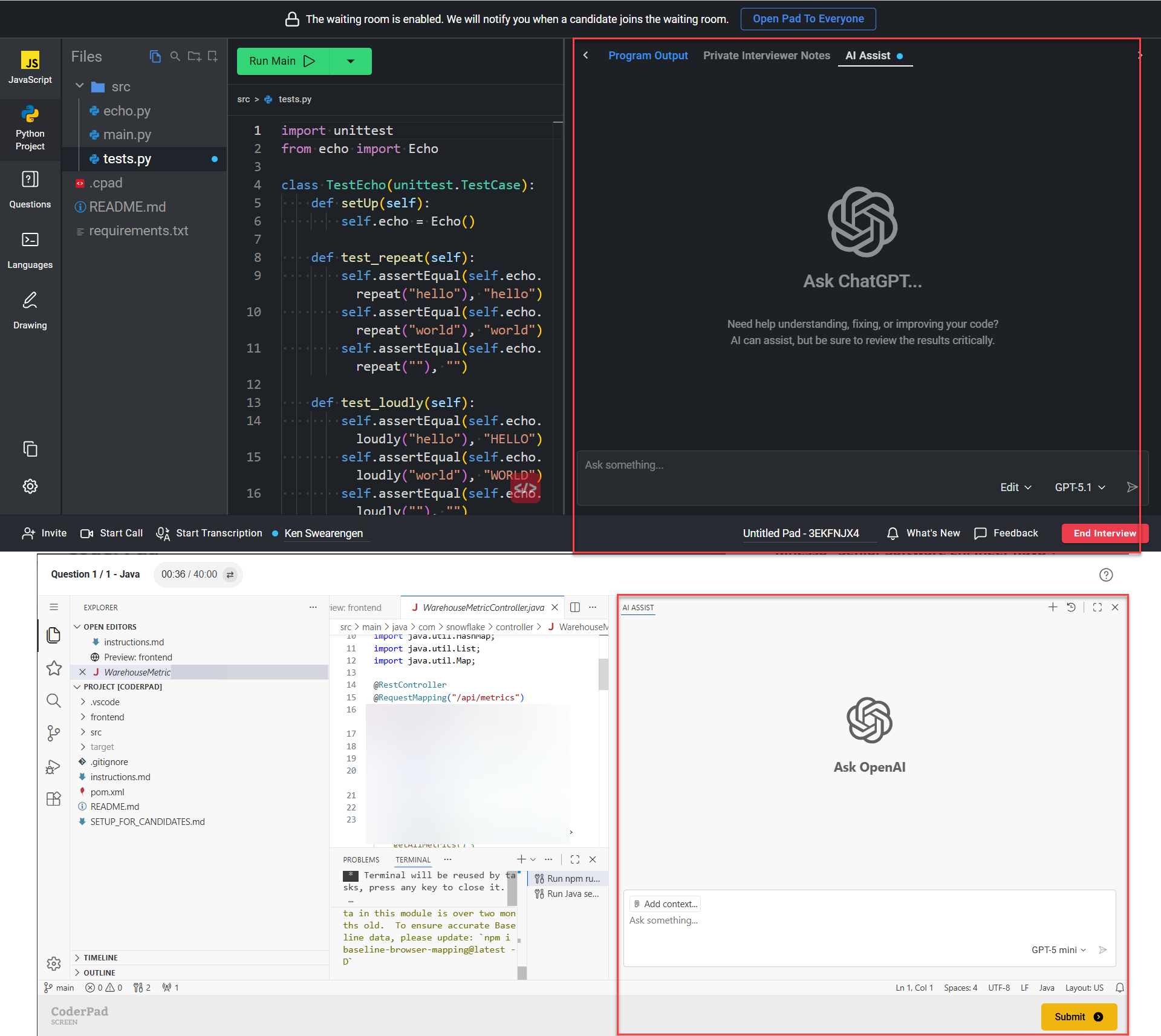
✅ AI Assist
You can use your favorite AI models in your tests and interviews!
For Screen tests you can utilize the “AI Assist” window for your multi-file test questions.
For your live Interviews, you’ll have an AI Assist window on the right side of the pad. For multi-file languages you can also utilize the Edit mode which allows the AI model to manipulate (add, change, or delete) the files and folders of the code you’re working with.
Note that your recruiter/interviewer has to have AI enabled in order for you to use them in your interview or tests.
You can find preparation guides for each platform in the menu below: